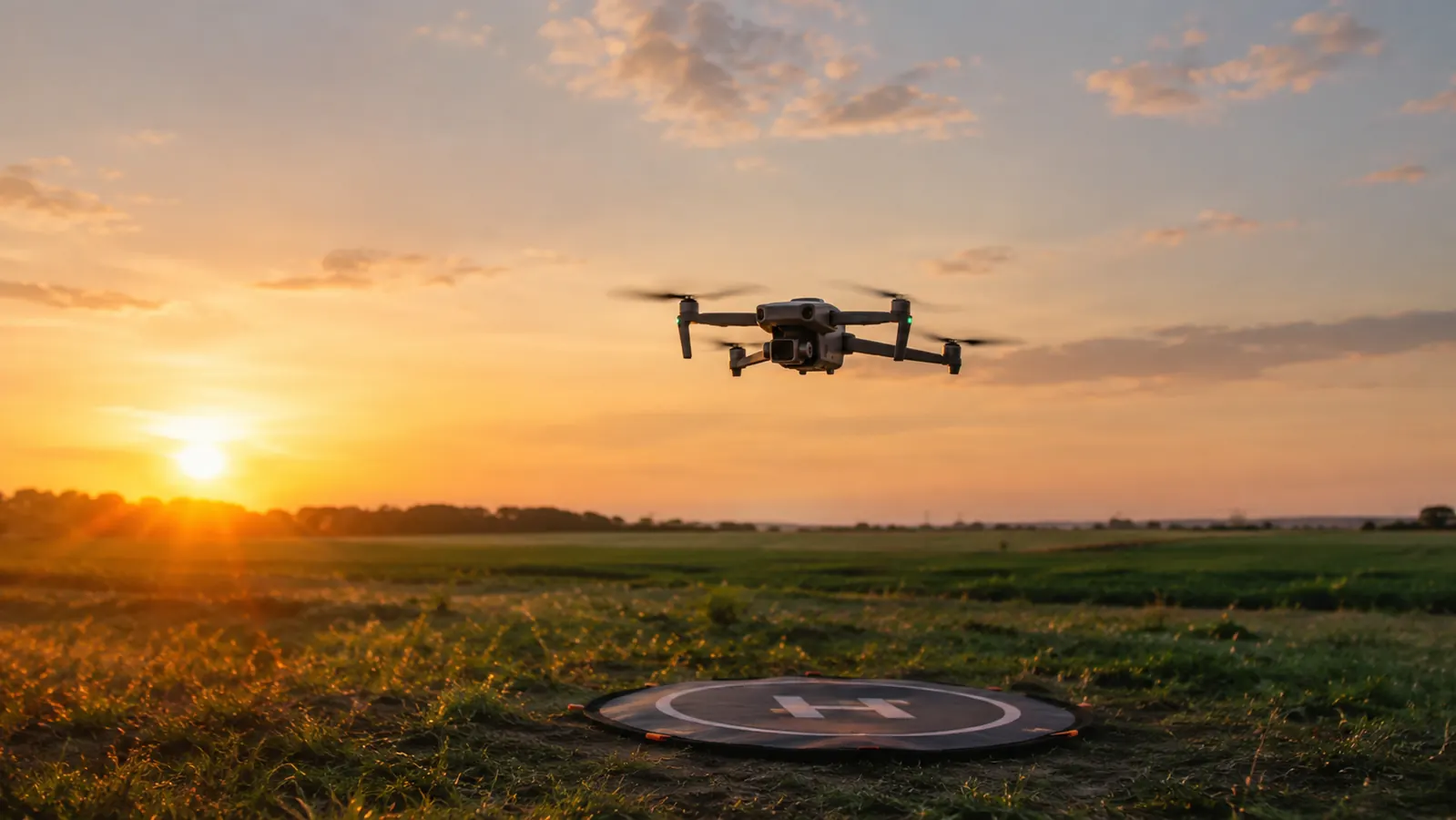
For my first year with the Mini 4 Pro, I flew with my phone squeezed into the clip on the RC-N2 controller, and for years before that I did the same on my old Mavic Air 2. It worked, mostly. But I spent every flight squinting at a 6-inch screen, tilting the controller toward the sun, and missing the telemetry I needed because the numbers were too small to read at a glance. About a year ago I switched to an iPad mini on a Hanatora tablet holder, and it changed more about my flying than I expected. The holder itself is simple. The change is what a bigger screen does to the way you plan a shot, read the map, and keep track of the drone.
I'm not going to tell you the Hanatora made my footage better. It didn't. What it did was remove a dozen small frustrations that were making me a sloppier pilot. When you can see the screen, you fly smoother. Here are ten reasons I noticed, in the order they showed up, after about a year of flying with a tablet on the controller.
A bigger screen starts with a solid mount
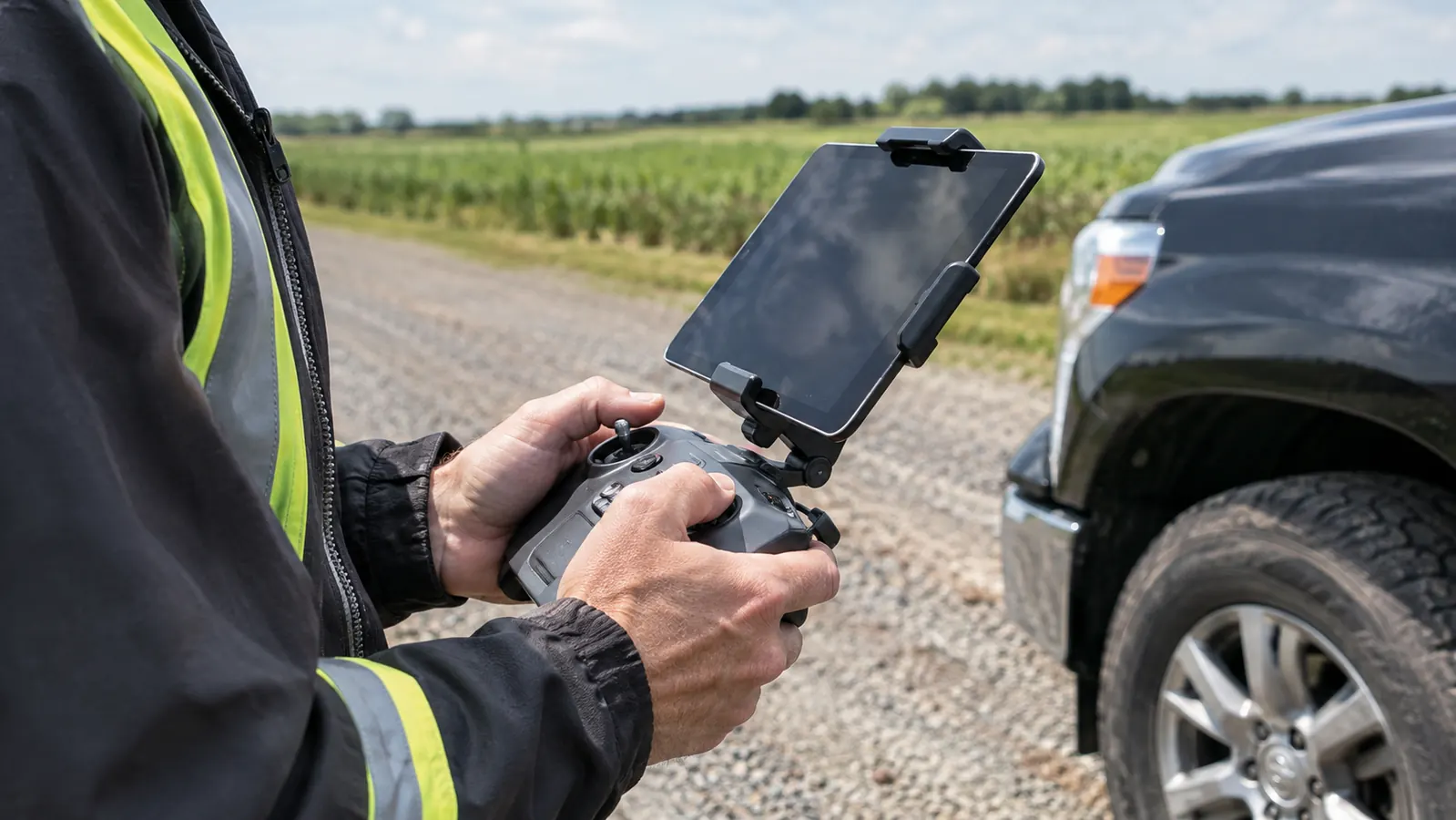
The Hanatora tablet holder fits the RC-N2 controller and holds tablets from 4.7 to 13 inches. It's the mount I've used for about a year.
Amazon Check today's price on Amazon →You finally see the framing before you shoot
With a phone, I framed shots by guessing. I'd point the camera, take a photo, and check it later on the big screen at home. Half the time the horizon was crooked or the subject was off to the side. With the iPad mini on the Hanatora, I can see the rule of thirds grid and where the horizon actually sits before I press the shutter. My keep rate went up because I stopped taking photos I knew wouldn't work. That alone made the holder worth it.
Telemetry is readable at a glance
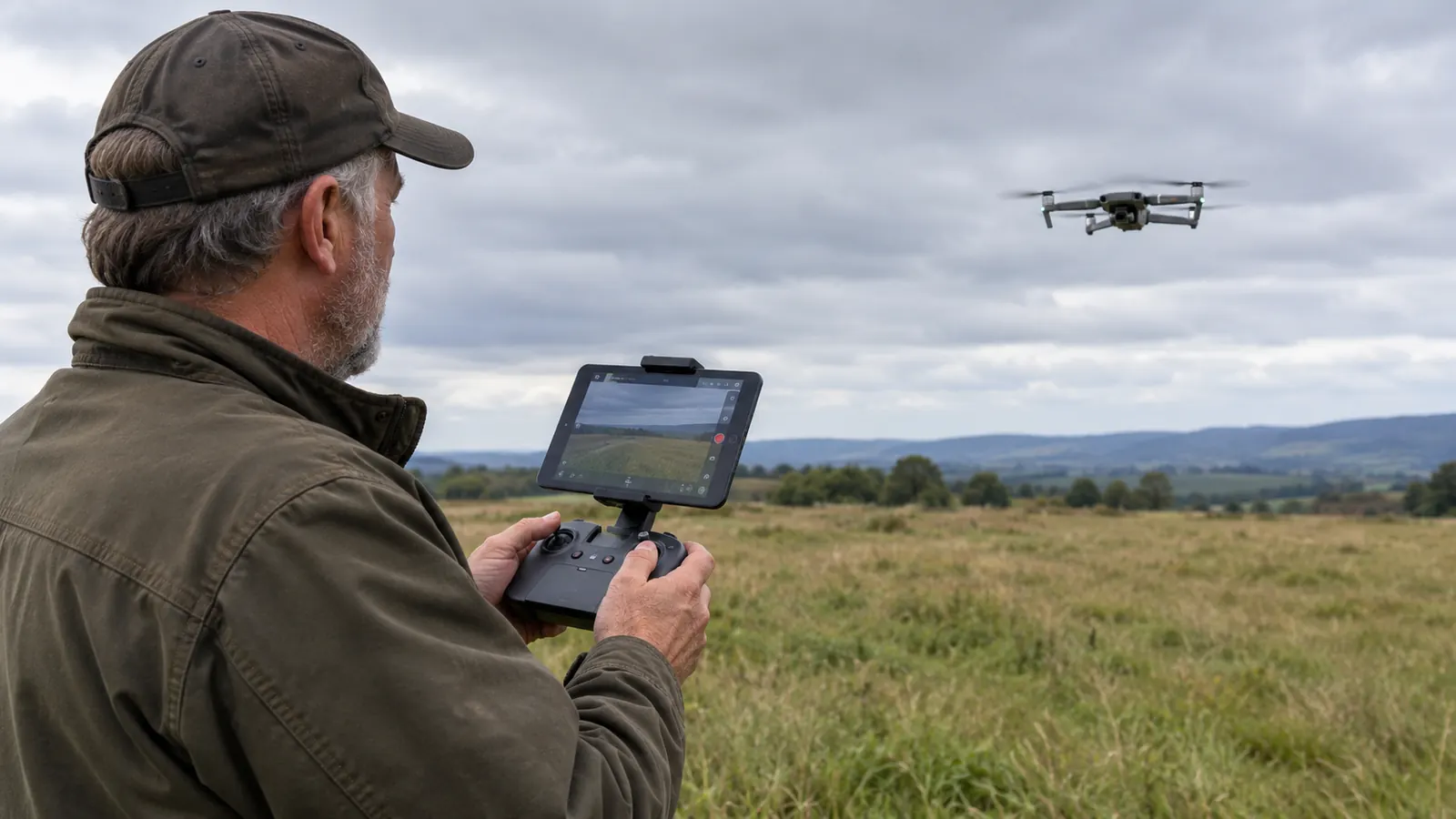
Battery, distance, altitude, signal strength. On the phone those numbers were tiny. I'd hold the controller up close, then look back at the drone, then back at the phone. On the iPad mini they're plain text I can read without taking my eyes off the screen. That matters when you're flying over a lake in north Idaho and the wind is picking up. I've turned around early because I saw the battery number drop faster than I expected. On the phone, I might have missed that until it was too late.
Your eyes stay with the drone
The old habit was look at the phone, look up at the drone, look back at the phone. That cycle is how I nearly put a Mavic Air 2 into a pine tree. With the bigger screen, I trust what I see on the tablet and spend more time watching the aircraft itself. Fewer surprises, fewer near misses with the treeline. I still look up to keep the drone in sight, but I'm not constantly switching focus. That split second of reorientation is gone.
The controller balances better
A phone on the clip makes the controller nose-heavy. You feel it after ten minutes. The Hanatora holder puts the tablet's weight centered over the sticks, so the controller sits flatter in your hands. On a windy day on the Palouse, that steadiness is real. I can hold the controller in one hand while I reach for a water bottle with the other, without the nose tipping toward the ground. It sounds minor until you've fought it for a whole battery.
The lanyard keeps the rig off the ground
I used to set the controller down between flights and worry about dirt in the sticks, or worse, a boot on the screen. The lanyard on the Hanatora lets me hang the whole thing from my neck while I swap batteries or change a filter. Simple, but it saves the gear. I've seen guys lay their controller on a tailgate and watch it slide off. The lanyard is already on the holder, and it keeps the controller where you can see it.
Sun glare stops being a fight
I fly a lot in the late afternoon, especially in the summer when the mornings are calm but the evenings are the best light. With the phone, I was always tilting the controller or cupping a hand over the screen to see anything. The tablet is easier to shade, and the holder clamps tight enough that I can angle it away from the sun without it flopping. I still carry a hat, but I don't have to use it as a screen shade anymore.
You can actually use the map
The map view on the Mini 4 Pro is where I check my position and the return-to-home path. On a phone it's a clutter of lines that I can't make sense of without zooming in and losing the bigger picture. On the tablet I can see the field, the road, and the trees, and plan a landing spot before the battery gets low. That's how I found a clear patch of ground when I landed short one evening instead of putting the drone down in tall grass.
It makes preflight checks faster
I run through the same checklist every flight: props, battery, gimbal cover, home point. With the bigger screen, the prompts are readable without reading glasses. That sounds small, but it means I actually do the checks instead of rushing through them. When I used the phone, I'd skip steps because the text was too small to bother with. Now the warnings are obvious, and I catch things like a loose prop before they become a problem.
It works with the RC-N2, not just the screenless controller
The Hanatora fits the RC-N2 that came with my Mini 4 Pro, and it also fits the newer RC-N3 and the older N1. I've seen people assume they need a controller with a built-in screen to fly with a tablet. You don't. The holder turns the phone clip controller into a tablet rig. I keep the holder on the controller full time now. It goes into the hard case with the drone, and the lanyard hangs off the side.
You fly longer without neck and arm fatigue
Holding a phone at eye level for twenty minutes gets old. Your arms start to shake, and that shake shows up in the sticks. With the holder and lanyard, the weight sits on your neck and shoulders instead of your arms. I've done three batteries in a row without the cramping I used to get. I'm 46 and I spend my workdays turning wrenches, so I'm not looking for extra strain on a weekend.
What I'd Skip
If you always fly with your phone and you're happy with it, you don't need this. The Hanatora adds weight and bulk to the controller, and it's another thing to carry in the case. I'd also skip it if you only fly a few times a year. The phone clip works fine for occasional flights. This is for people who fly often enough that the small screen has actually cost them a shot or a safe landing. If that sounds like you, the holder earns its place in the bag.
The biggest change wasn't the mount. It was that I stopped squinting and started seeing the shot before I took it.
Same controller, better view
If you fly a DJI Mini with the screenless controller and want a tablet mount that holds steady, the Hanatora is the one I've used for a year.
Amazon Check today's price on Amazon →