
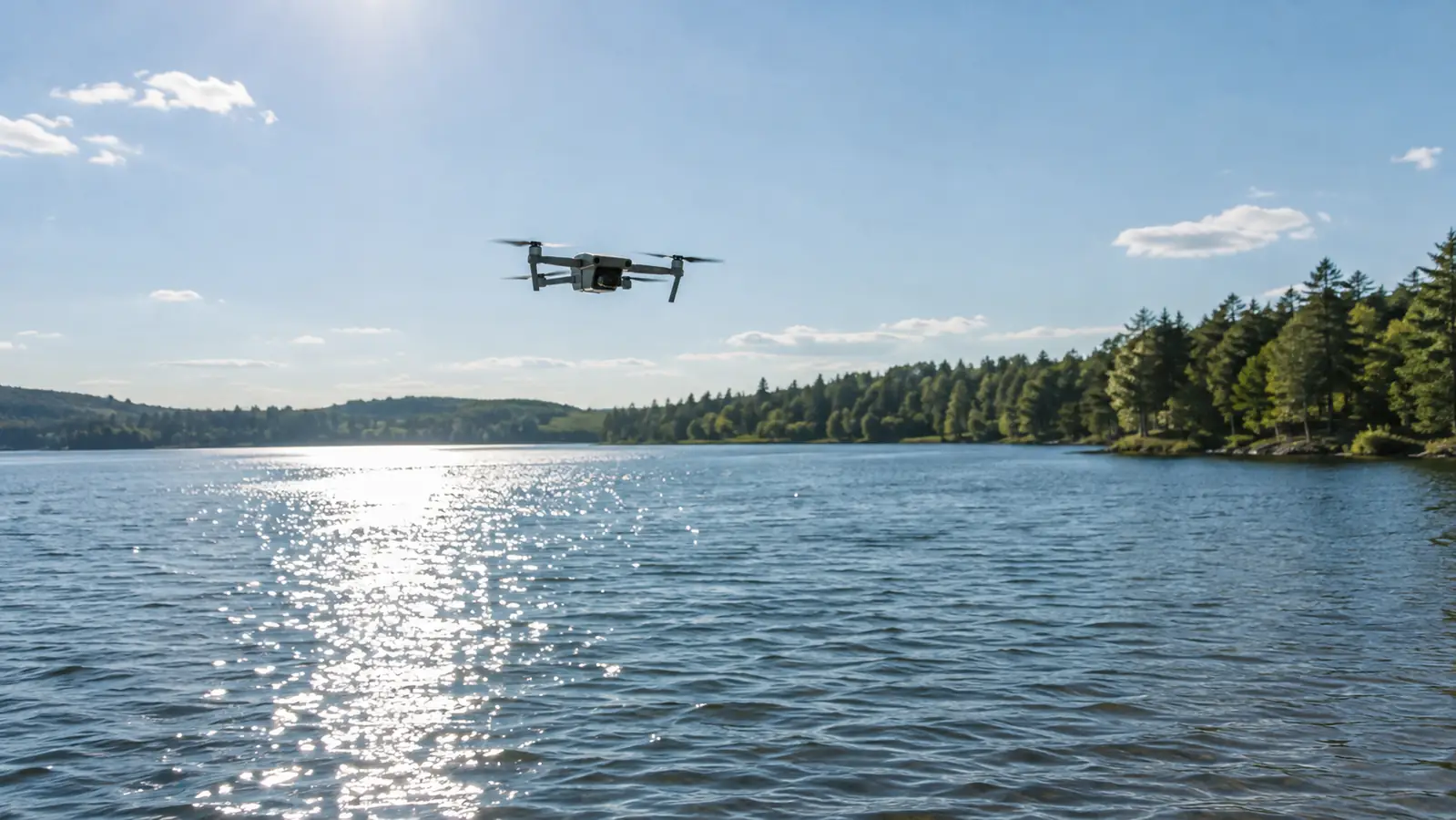
The first time I flew the Mini 4 Pro over the lake, the footage looked like a video game. Not the good kind. The kind where the rendering can't keep up: the water stuttered, the treeline shimmered, and every time the drone turned, the horizon wobbled like it was made of jelly.
That was last summer on a lake in north Idaho. Bright day, no wind, glassy water, and my drone was fighting itself. I'd had the NEEWER ND and CPL filter set in the hard case for a while by then, about a year now all told, and I'll be honest: I'd barely touched the filters. I figured the Mini 4 Pro's camera was smart enough to handle a sunny afternoon on its own. Tara came along and set up a chair on the shore with a book. She got the better end of that afternoon.
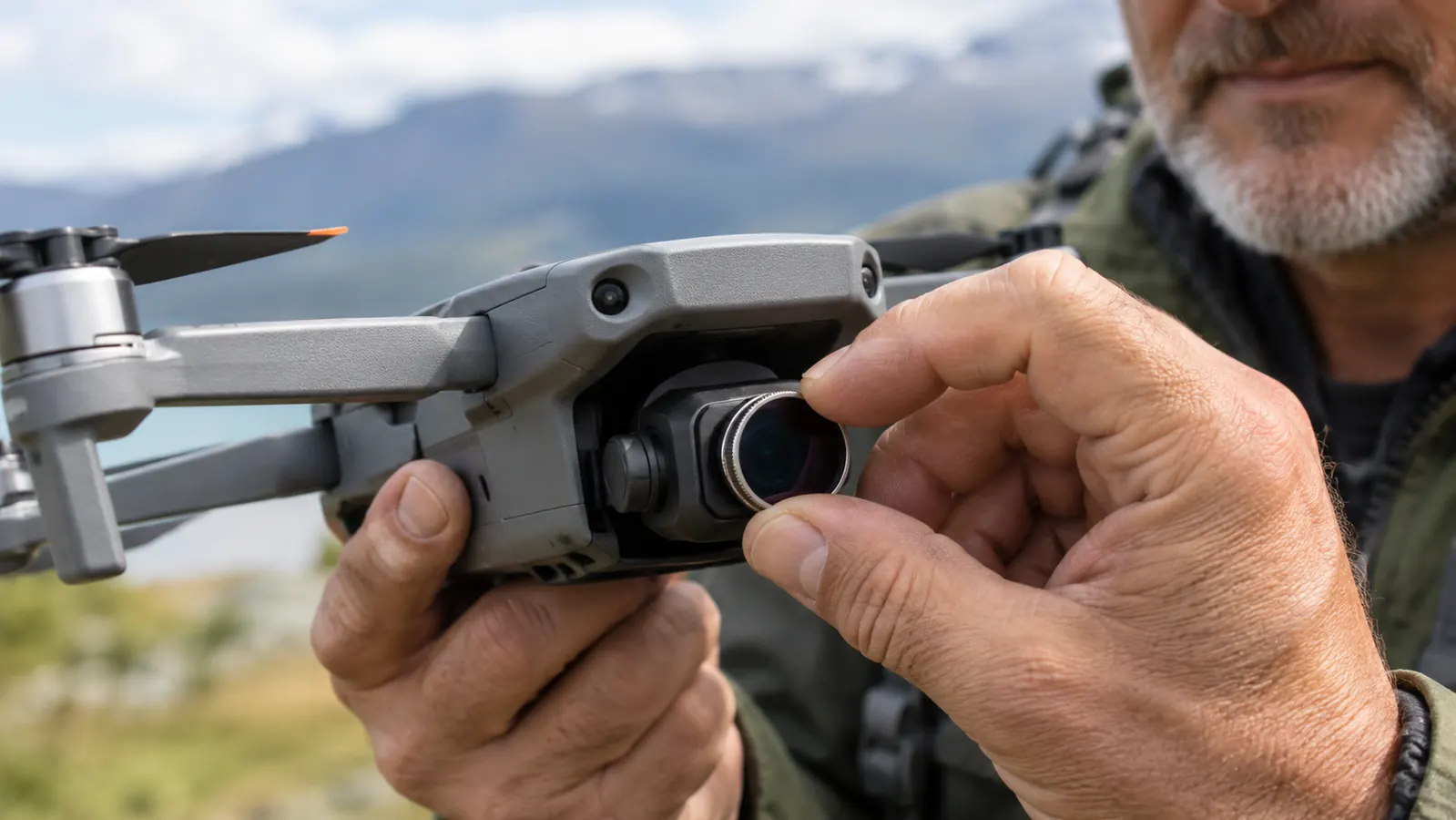
The problem was the shutter. On a bright day over water, the drone's auto exposure picks a fast shutter speed to keep the highlights from blowing out. Fast shutter means every frame is razor sharp. That sounds like a good thing. It isn't. At 30 frames a second, razor-sharp frames of moving water read as a stutter, and the rolling shutter adds a wobble on top of it.
I tried the usual fixes. Dropped the ISO. Dropped the exposure compensation. Tilted the gimbal down so the sky wasn't in the frame. The glare on the water got worse and the stutter stayed. I landed, packed up, and drove home with footage I didn't want to show anybody. I pulled it up on the iPad mini in the tablet holder that night, hoping it looked better on a small screen. It didn't.
A guy at the field told me to stop fighting the camera and put glass in front of it. ND filters cut the light coming in, which forces the camera to slow the shutter down. A slower shutter gives moving water a little motion blur, and motion blur is what makes video look like video instead of a slideshow. I'd heard the theory. I had the NEEWER filters sitting in the case. So the next weekend, I put them on for real.
I flew the same line twice that day, once without a filter and once with the NEEWER on. The second clip looked like it came from a different drone.
Same Drone. Same Lake. Different Footage.
ND filters slow the shutter so water and motion look natural instead of stuttery. The NEEWER ND and CPL set is what I keep in the case now. Check today's price on Amazon and see if it fits your Mini 4 Pro.
Amazon Check Today's Price on Amazon →The first flight with the filters was a lesson in patience. I started with the lighter ND and worked my way up, because the right strength depends on the light and there's no setting on the drone that tells you which one to use. You just try one, look at the screen, and switch if the shutter speed is still too fast.
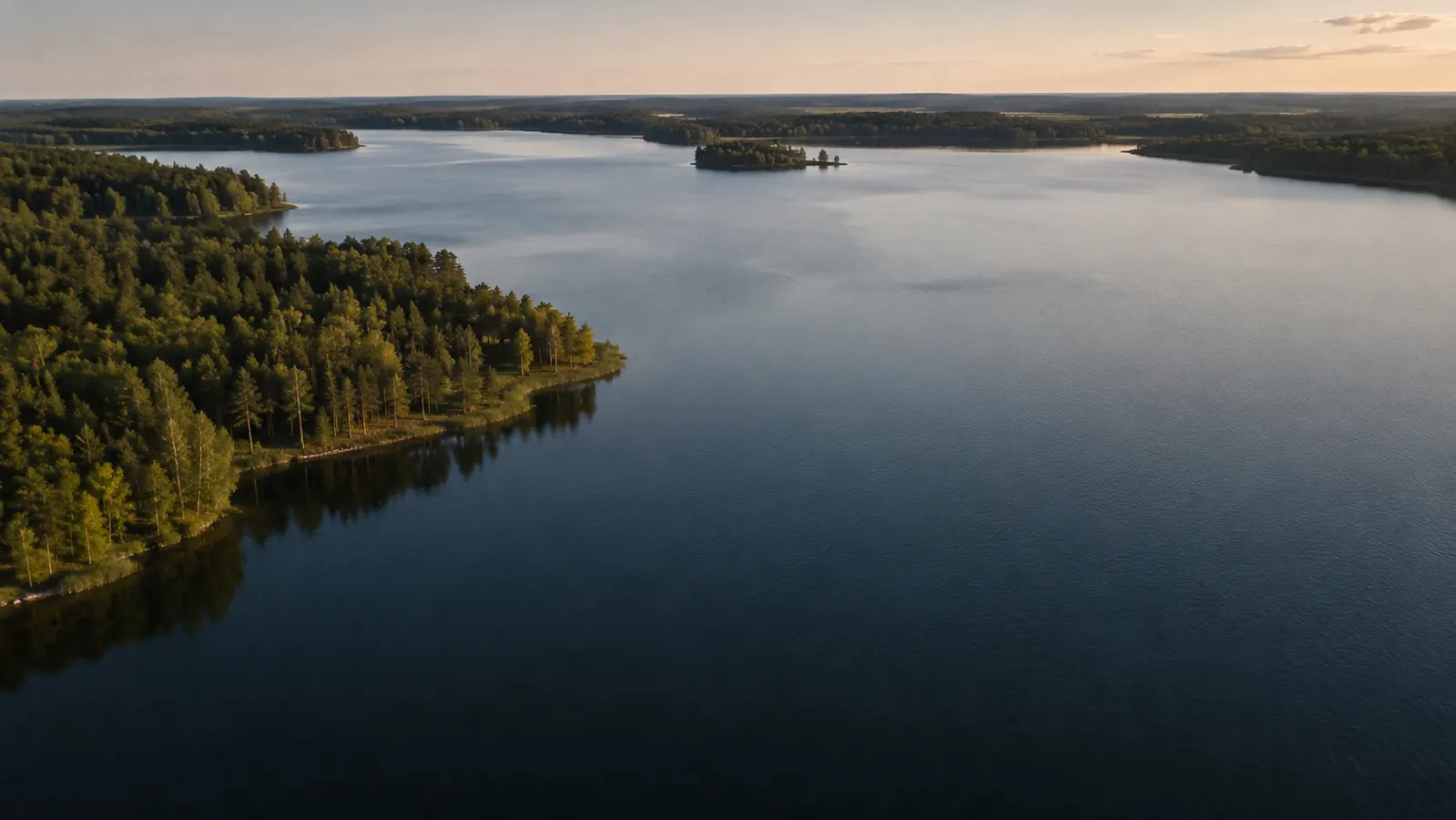
When I got it right, the difference was obvious. The water smoothed out. The wobble in the horizon went away. The glare on the surface dropped, partly because the ND cut the light and partly because the set includes a circular polarizer, which is the piece of glass that actually deals with reflections. That was the clip I showed Tara when we got home.
I made mistakes too. The sun went behind a cloud on one flight and I left the dark filter on, so the shutter dropped too low and the footage came out soft. And the filters are small, about the size of a quarter, and screwing them onto the Mini 4 Pro's lens with cold fingers is fiddly. I keep them in the little case they came in, and I count them before I leave the field.
None of this makes me a better pilot. The drone still flies the same, and I still bring home plenty of boring clips. But the clips I keep look the way the lake actually looked, and that was worth the ten minutes it took to learn which filter to use when. I still don't shoot manual most of the time. The filters do the work the camera can't do on its own.
Over the year since, I've reached for the NEEWER set more than any other piece of gear except the spare batteries. The filters live in the hard case with the drone, so they're always there when the light is wrong. I've used them on the Palouse hills in summer and on the lakes in north Idaho in fall, and the same rule holds: when the footage looks broken, it's usually the shutter, and the shutter is usually fixed with glass.
What I'd Tell You If We Were Sitting at My Kitchen Table
If you shoot video in daylight with a Mini 4 Pro, get an ND filter set and actually use it. The NEEWER set has been in my bag for about a year now, and it's the cheapest thing I've bought that changed how my footage looks. Start with the rule of thumb: set the shutter to double your frame rate, so 1/60 for 30 frames a second, then pick the filter that gets you there. Don't expect filters to fix boring shots. They don't make a dull subject interesting. They just stop the camera from making a good subject look broken. And if you're on the fence about which set to buy, don't overthink it. A four-pack of ND filters covers more situations than you'll actually fly in, and the polarizer handles the glare that no amount of settings will touch.
Put Glass in Front of the Lens
If your daylight footage stutters over water, the fix is usually a set of ND filters, not a new drone. The NEEWER ND and CPL set is what's in my case. Check today's price on Amazon and see if it fits your Mini 4 Pro.
Amazon Check Today's Price on Amazon →